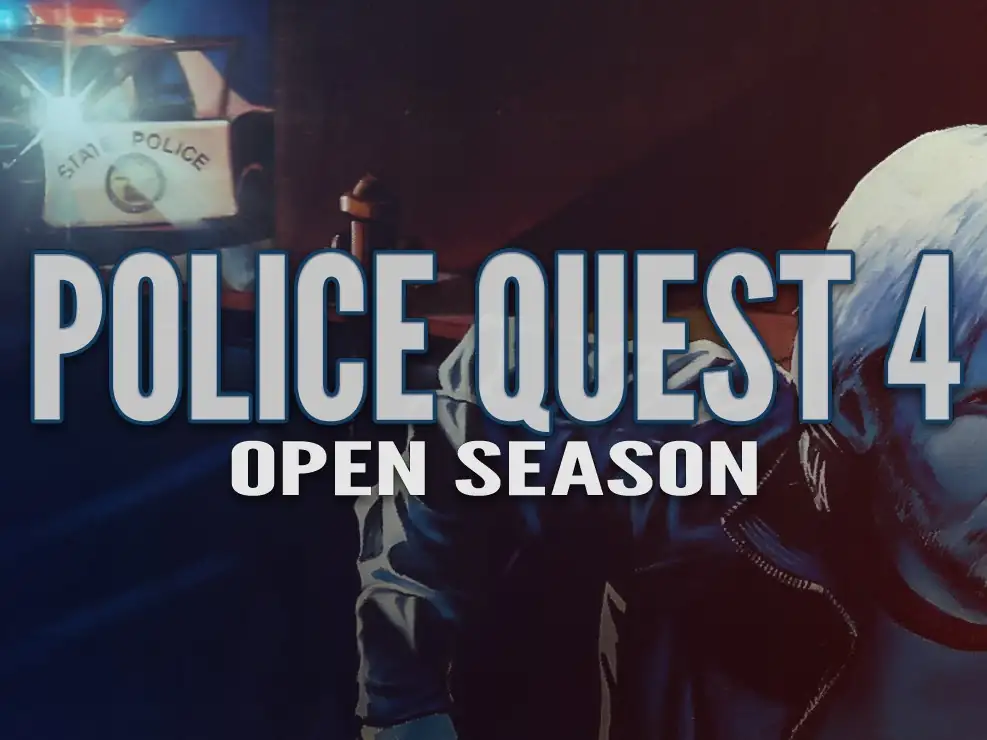
Police Quest IV: Open Season
You are using the Safari browser. Only Safari on the latest macOS Sequoia 15.4.1 or iOS 18.4.1 is supported for proper functionality.
You are using the Firefox browser. Only the latest version of Firefox is supported.
Please enter 'about:config' in the Firefox browser, then search for 'javascript.options.wasm_js_promise_integration', set its value to true, and refresh this page to achieve optimal performance.
Please enter 'about:config' in the Firefox browser, then search for 'javascript.options.wasm_js_promise_integration', set its value to true, and refresh this page to achieve optimal performance.
Your browser storage quota is low and you may not be able to load the game correctly.
Usage: Available:
Usage: Available:
To help us improve, please disable your ad blocker for our site. The game will start in seconds.
Become a Gold Member to enjoy an ad-free experience, unlock cloud saving, and help us improve.
Some animated ads may impact game performance. If the game becomes choppy, please close the ads.
Some animated ads may impact game performance. If the game becomes choppy, please close the ads.
Loading...
🛈 Tips: If you encounter any unusual issues or have suggestions, feel free to contact the site administrator via email at admin@ddyx.me or through Telegram at https://t.me/DDYXCHAT.
Police Quest IV: Open Season (1994)
Sierra On-Line



Play
Police Quest IV: Open Season (commonly known as Police Quest IV) is a 1993 police-procedural point-and-click adventure game developed and published by Sierra On-Line, designed by Tammy Dargan with consultation from former LAPD Chief Daryl F. Gates. You play as Homicide Detective John Carey, investigating the brutal murders of his best friend and a young boy in Los Angeles, using realistic police protocols, crime-scene analysis, and suspect interrogation. The game uses a mouse-driven SCI icon interface, with digitized photographic backgrounds and, in the 1994 CD-ROM version, full voice acting and enhanced animations. Its emphasis on procedural accuracy, photoreal visuals, and gritty narrative marked a stark departure from previous installments in the series.
Upload Save File
Uploading a save file will overwrite current progress and restart the game. Do you wish to continue?
Error
Welcome
Welcome to retro DOS games in your browser! To save disk changes made by the game, you must manually use the following save functions:
 Save to cloud (Gold Members only).
 Save to local browser storage.
 Save and download the save file.
Save to cloud (Gold Members only). Save to local browser storage. Save and download the save file. Don't show this again.