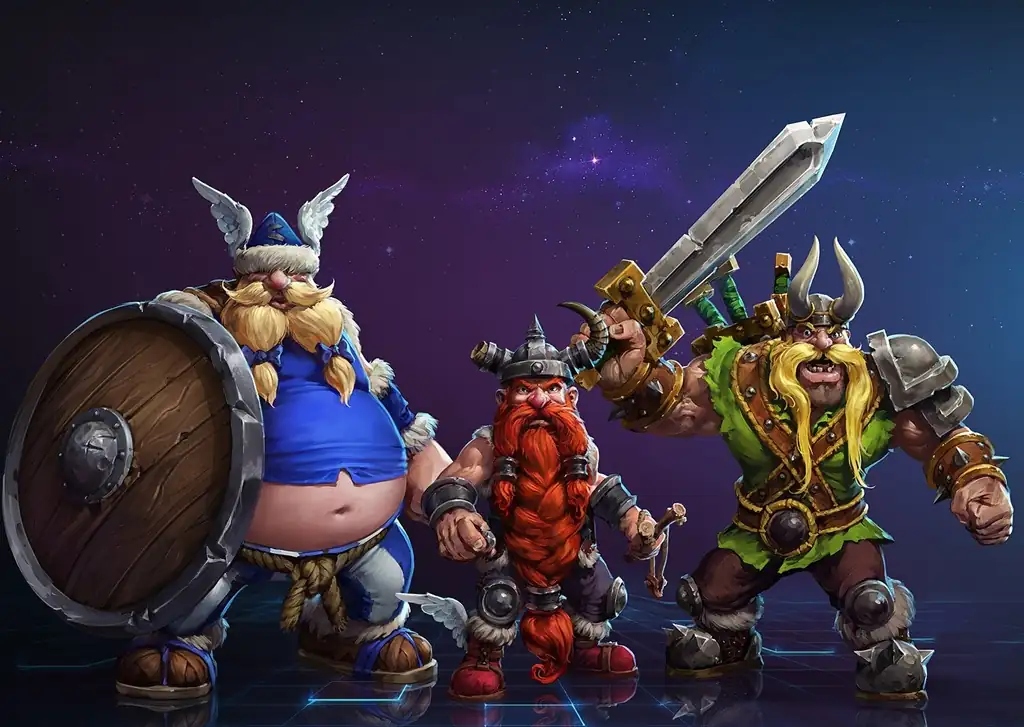
失落的维京人
You are using the Safari browser. Only Safari on the latest macOS 27 Golden Gate or iOS 27 is supported for proper functionality.
You are using the Firefox browser. Only the latest version of Firefox is supported.
Please enter 'about:config' in the Firefox browser, then search for 'javascript.options.wasm_js_promise_integration', set its value to true, and refresh this page to achieve optimal performance.
Please install and use the latest version of Chrome or Edge for the best experience.
Your browser storage quota is low and you may not be able to load the game correctly.
Usage: Available:
Usage: Available:
To help us improve, please disable your ad blocker for our site. The game will start in seconds.
Become a Gold Member to enjoy an ad-free experience, unlock cloud saving, and help us improve.
Some animated ads may impact game performance. If the game becomes choppy, please close the ads.
Loading...
🛈
失落的维京人 (1993)
The Lost Vikings
Silicon & Synapse



《失落的维京人》是一款由硅与神经键(Silicon&Synapse)(今暴雪娱乐公司)开发的益智游戏。
游戏主角共有三人,Erik the Swift、Baleog the Fierce、Olaf the Stout,这三位主角拥有不同的技能,包括战斗能力和辅助能力,玩家一次只能控制一个,通过按键在这三人中切换控制角色,并巧妙配合,最终使三人全部到达出口(EXIT字符处)。只要其中一位死亡,即使另外两位到达出口也视为失败。一旦失败,必须从这一关的开头重新开始,玩家也可以随时放弃并重来。游戏没有Game Over的概念,存盘时仅保存所在关卡进度而不保存位置等信息,PC版没有存盘功能,但每次重新开始或关闭游戏时会显示关卡密码,可以输入从而转到此关。
Upload Save File
Uploading a save file will overwrite current progress and restart the game. Do you wish to continue?
Warning
Welcome
Save your progress in the game first. Next time, use the same device and browser, choose Continue game, then load your save in the game. On your first visit, the option is called Start fresh.
Cloud saves, then browser saves, are selected first. Choose Continue game to use your latest progress here. Loading a save returns to that saved point.
You can also keep a backup using the buttons above the game:
Save to the cloud and use it on another device after signing in (Gold members only).
Save in this browser. Next time, choose Browser from the save list to load it.
Download a save file. Next time, choose Upload to load it.
Backups only change when you save again. Wait for saving or downloading to finish before closing the page.
Clearing this site's data can remove your progress and browser saves. Keep important saves in the cloud or download a backup.
Cloud saves, then browser saves, are selected first. Choose Continue game to use your latest progress here. Loading a save returns to that saved point.
You can also keep a backup using the buttons above the game:
Backups only change when you save again. Wait for saving or downloading to finish before closing the page.
Clearing this site's data can remove your progress and browser saves. Keep important saves in the cloud or download a backup.
Don't show this again.
Important update notice
To improve loading speed and the gaming experience, we have made a major architectural update. The files required by the game will be downloaded again. Please wait patiently.


