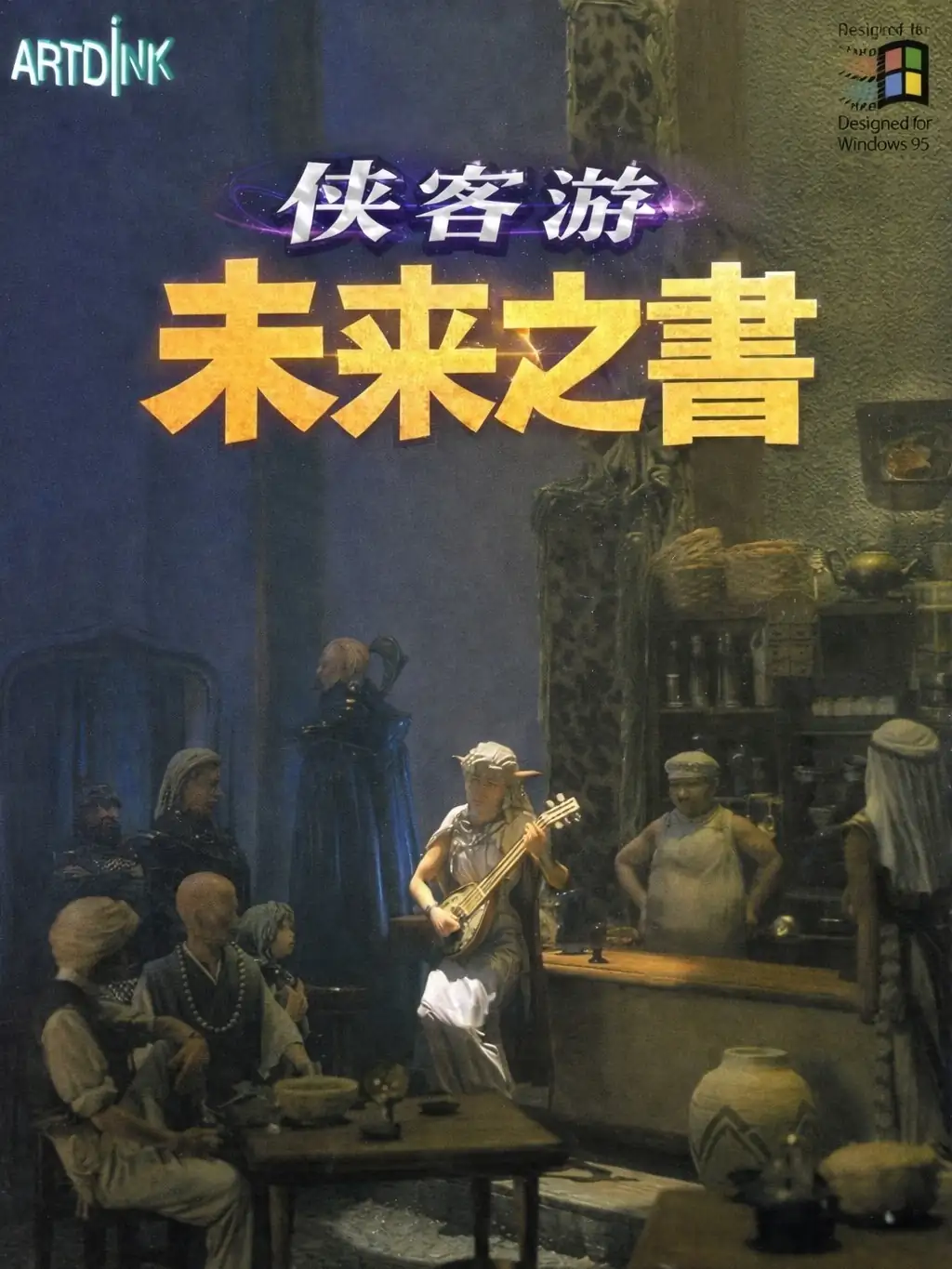
侠客游:未来之书 繁体中文CD版
You are using the Safari browser. Only Safari on the latest macOS 27 Golden Gate or iOS 27 is supported for proper functionality.
You are using the Firefox browser. Only the latest version of Firefox is supported.
Please enter 'about:config' in the Firefox browser, then search for 'javascript.options.wasm_js_promise_integration', set its value to true, and refresh this page to achieve optimal performance.
Please install and use the latest version of Chrome or Edge for the best experience.
Your browser storage quota is low and you may not be able to load the game correctly.
Usage: Available:
Usage: Available:
To help us improve, please disable your ad blocker for our site. The game will start in seconds.
Become a Gold Member to enjoy an ad-free experience, unlock cloud saving, and help us improve.
Some animated ads may impact game performance. If the game becomes choppy, please close the ads.
Loading...
🛈Windows games require the latest desktop CPUs for an optimal experience. See the help page for more details.
侠客游:未来之书 繁体中文CD版 (1998)
Lunatic Dawn: The Book of Futures (Chinese)
Artdink


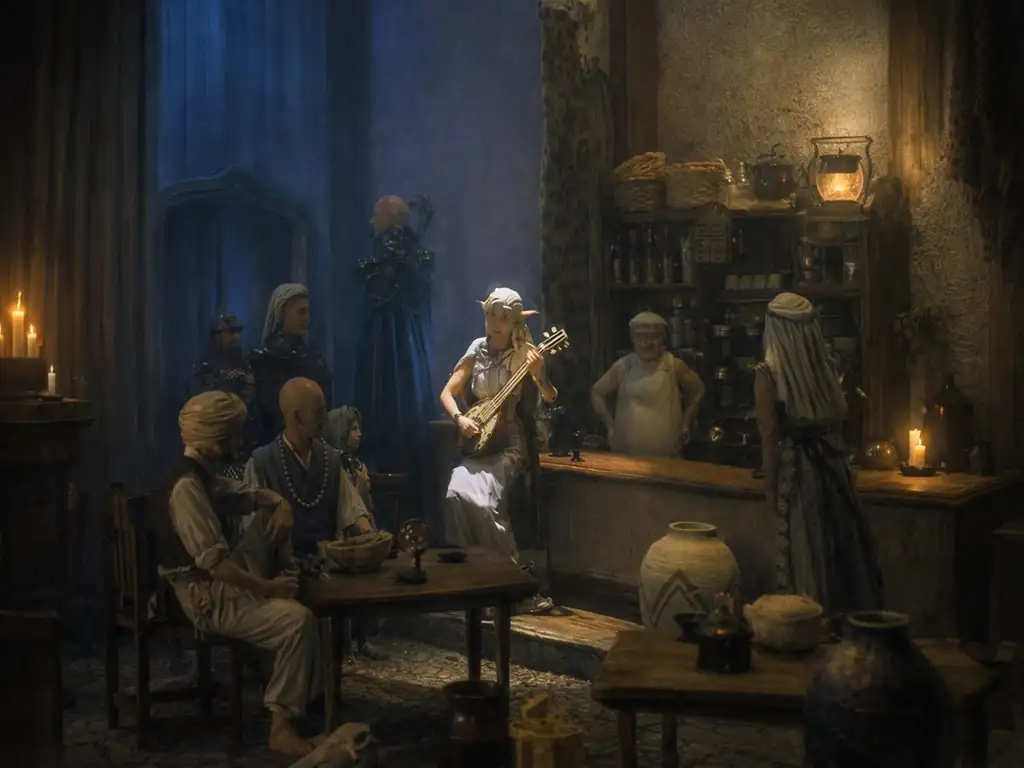
在《侠客游:未来之书》中,你并不是被“主线剧情”牵着跑的英雄,而更像一名在动荡世界里讨生活的冒险者:城镇之间的交通线、国家势力的分布与人与人之间的关系,构成了这段旅程的主旋律。游戏的叙事重点在“世界如何变化、你在其中选择成为什么样的人”——你可以在各地接触形形色色的委托与传闻,逐步认识不同阵营与城镇的处境,把一次次出行串成自己的经历与名声(整体呈现是偏“开放式冒险纪行”的味道,而不是单线剧本)。
玩法上保持简单理解即可:以角色扮演为核心,你在地图上选择城镇间路线推进、进城整备、进迷宫或执行任务;本作相较系列某些作品更强调“城市与国家格局”的随机与变化,每次开局的势力归属会不一样。原版于 1995 年 12 月在 Windows 平台推出,也是系列早期“转向 Windows 的关键一作”;中文版本则在 1998 年由第三波进行中文化并代理发行。
Upload Save File
Uploading a save file will overwrite current progress and restart the game. Do you wish to continue?
Warning
Welcome
Save your progress in the game first. Next time, use the same device and browser, choose Continue game, then load your save in the game. On your first visit, the option is called Start fresh.
Cloud saves, then browser saves, are selected first. Choose Continue game to use your latest progress here. Loading a save returns to that saved point.
You can also keep a backup using the buttons above the game:
Save to the cloud and use it on another device after signing in (Gold members only).
Save in this browser. Next time, choose Browser from the save list to load it.
Download a save file. Next time, choose Upload to load it.
Backups only change when you save again. Wait for saving or downloading to finish before closing the page.
Clearing this site's data can remove your progress and browser saves. Keep important saves in the cloud or download a backup.
After exiting the game, wait for shutdown to finish, then back up your save and close the page.
Cloud saves, then browser saves, are selected first. Choose Continue game to use your latest progress here. Loading a save returns to that saved point.
You can also keep a backup using the buttons above the game:
Backups only change when you save again. Wait for saving or downloading to finish before closing the page.
Clearing this site's data can remove your progress and browser saves. Keep important saves in the cloud or download a backup.
After exiting the game, wait for shutdown to finish, then back up your save and close the page.
Don't show this again.
Important update notice
To improve loading speed and the gaming experience, we have made a major architectural update. The files required by the game will be downloaded again. Please wait patiently.