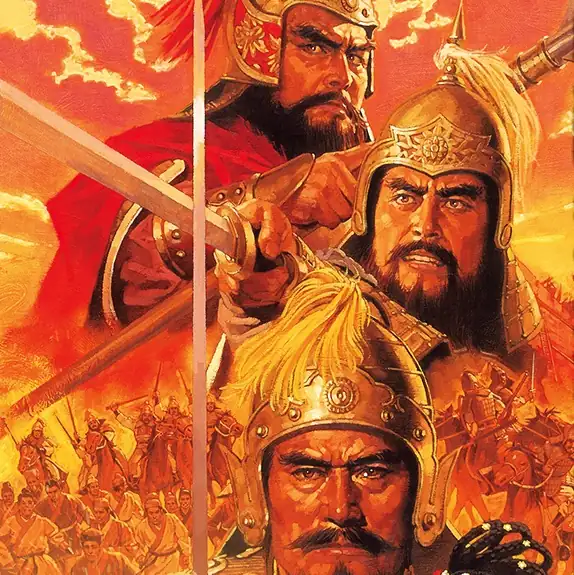
Romance of the Three Kingdoms V (Japanese)
You are using the Safari browser. Only Safari on the latest macOS 27 Golden Gate or iOS 27 is supported for proper functionality.
You are using the Firefox browser. Only the latest version of Firefox is supported.
Please enter 'about:config' in the Firefox browser, then search for 'javascript.options.wasm_js_promise_integration', set its value to true, and refresh this page to achieve optimal performance.
Please enter 'about:config' in the Firefox browser, then search for 'javascript.options.wasm_js_promise_integration', set its value to true, and refresh this page to achieve optimal performance.
Please install and use the latest version of Chrome or Edge for the best experience.
Your browser storage quota is low and you may not be able to load the game correctly.
Usage: Available:
Usage: Available:
To help us improve, please disable your ad blocker for our site. The game will start in seconds.
Become a Gold Member to enjoy an ad-free experience, unlock cloud saving, play games that support LAN multiplayer with friends over a virtual LAN, and help us improve.
Some animated ads may impact game performance. If the game becomes choppy, please close the ads.
Some animated ads may impact game performance. If the game becomes choppy, please close the ads.
- Traffic rate: ↓ — ↑ —
- Total traffic: ↓ — ↑ —
- Network quality: Waiting for connection
Loading...
🛈Windows games require the latest desktop and smartphone CPUs for an optimal experience. See the help page for more details.
Romance of the Three Kingdoms V (Japanese) (1996)
KOEI


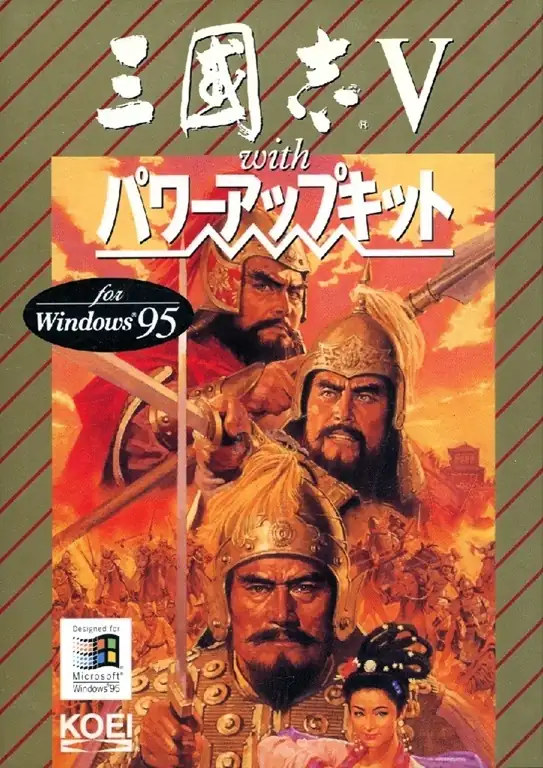
Romance of the Three Kingdoms V is one of the most recognizable classic entries in Koei’s historical strategy series, and for many players it represents the peak of the early DOS-era style. Set during the collapse of the Later Han and the rise of the Three Kingdoms, the game places the player in the role of a ruler who must govern cities, appoint officers, conduct diplomacy, wage war, and ultimately unify China. What made this installment especially distinctive was its “Reputation” system, where popular support directly affected how many actions a ruler could take, giving domestic policy and public sentiment far more strategic weight. Battles also became more layered through twelve formations and a wider range of officer battle skills, while the addition of the Yellow Turban Rebellion scenario broadened the playable timeline. Later Windows, Saturn, and PlayStation versions even became memorable for using footage from the 1994 TV drama Romance of the Three Kingdoms in their opening and event scenes, giving the game an especially dramatic historical atmosphere.
Network play
Loading servers...
Rooms for this game
Loading rooms...
No rooms yet. Create one to get started.
Preparing your network session...
Upload Save File
Uploading a save file will overwrite current progress and restart the game. Do you wish to continue?
Warning
Welcome
Save your progress in the game first. Next time, use the same device and browser, choose Continue game, then load your save in the game. On your first visit, the option is called Start fresh.
Cloud saves, then browser saves, are selected first. Choose Continue game to use your latest progress here. Loading a save returns to that saved point.
You can also keep a backup using the buttons above the game:
 Save to the cloud and use it on another device after signing in (Gold members only).
 Save in this browser. Next time, choose Browser from the save list to load it.
 Download a save file. Next time, choose Upload to load it.
Backups only change when you save again. Wait for saving or downloading to finish before closing the page.
Clearing this site's data can remove your progress and browser saves. Keep important saves in the cloud or download a backup.
After exiting the game, wait for shutdown to finish, then back up your save and close the page.
Cloud saves, then browser saves, are selected first. Choose Continue game to use your latest progress here. Loading a save returns to that saved point.
You can also keep a backup using the buttons above the game:
Save to the cloud and use it on another device after signing in (Gold members only). Save in this browser. Next time, choose Browser from the save list to load it. Download a save file. Next time, choose Upload to load it.Backups only change when you save again. Wait for saving or downloading to finish before closing the page.
Clearing this site's data can remove your progress and browser saves. Keep important saves in the cloud or download a backup.
After exiting the game, wait for shutdown to finish, then back up your save and close the page.
Don't show this again.
Important update notice
To improve loading speed and the gaming experience, we have made a major architectural update. The files required by the game will be downloaded again. Please wait patiently.